
Encrypted on your device
Photos, videos, PDFs, filenames and thumbnails are sealed with AES-256-GCM before they reach disk.
Private photo vault for iPhone & iPad
Vaultic encrypts photos, videos and PDFs with AES-256-GCM before anything is written to disk. Unlock with Face ID or a PIN. No account, and no Vaultic server that holds your files.
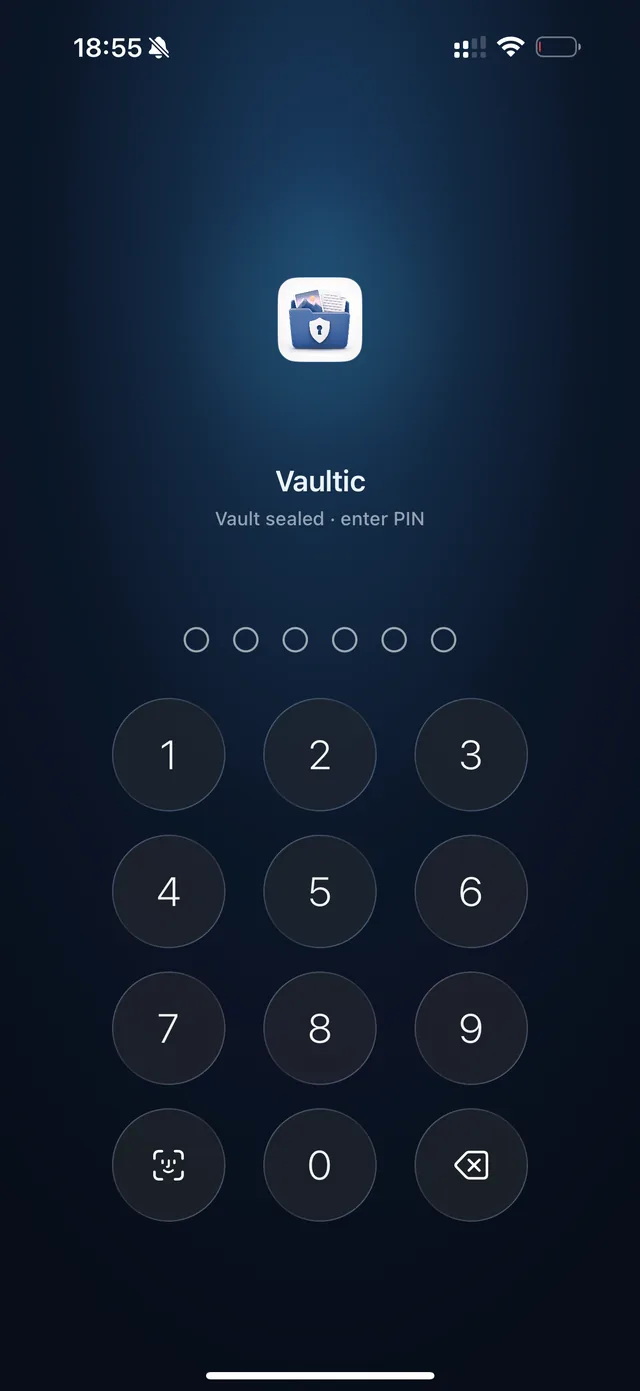
Photos, videos, PDFs, filenames and thumbnails are sealed with AES-256-GCM before they reach disk.
The master key is wrapped by your PIN and kept in the iOS Keychain, marked for this device only.
Nothing to sign up for. We run no backend that stores your vault, and ship no analytics SDK of our own.
Features
While Vaultic is locked, your content stays encrypted.
Apple's CryptoKit does the work. Each file gets its own random nonce, and a wrong PIN simply fails the authentication tag.
Auto-lock closes the vault when you leave the app. Ten wrong PIN entries erase the key for good.
Each import is written, read back and SHA-256 checked before Vaultic offers to delete your original. “Keep in both” is preselected.
Still, motion and sound are stored as one encrypted item, and go back to Photos as a real Live Photo.
Albums, favourites, filename search and a PDF reader in the same vault. Two albums free, unlimited with Pro.
Pro backs up a passphrase-sealed archive to your own iCloud, or sends your vault to a new device over your local network.
How it works
Four or six digits, plus Face ID if you want it. Your PIN derives the key and never leaves the device — we cannot see or reset it.
Import from Photos or Files, or send anything over with the share sheet. Each file is encrypted before it reaches disk.
Vaultic hash-checks its encrypted copy first, then offers to remove the originals from your photo library.
Free vs Pro
Unlimited photos, videos and documents, full encryption and Face ID without paying anything. Pro adds backup, transfer and the power-user settings, and removes the ads.
| Free vs Pro | Free | Pro |
|---|---|---|
| Photos, videos and PDFs | Unlimited | Unlimited |
| AES-256-GCM encryption, Face ID or PIN | Included | Included |
| Verified imports, Vault Health, recovery key | Included | Included |
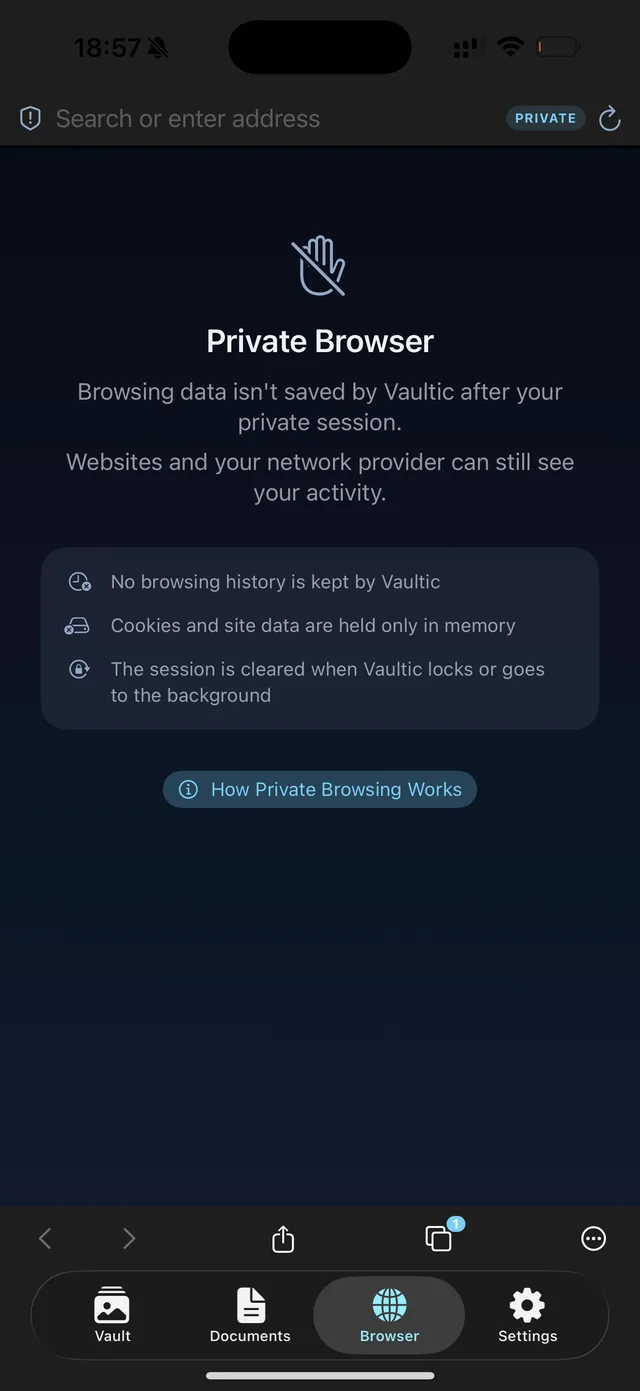
| Private browser and encrypted export | Included | Included |
| Albums | 2 | Unlimited + PIN per album |
| Document import size | 500 MB | 2 GB |
| Encrypted iCloud backup | — | Last 10 versions |
| Transfer to another device | — | Included |
| Custom auto-lock and panic gesture | — | Included |
| Ads | One banner | None |
Pro is a monthly or yearly subscription, or a one-time Lifetime purchase. Prices are shown in the App Store and billed by Apple. Restoring a backup is free forever, even after you cancel.
Security & network
The cryptography is Apple's own — CryptoKit and CommonCrypto. None of it asks you to trust us.
nonce[12] || ciphertext || tag[16].
# On-disk format for every encrypted blob
nonce[12] || ciphertext || tag[16]

# Master key derivation
salt          ← SecRandomCopyBytes(16)
wrapping_key  ← PBKDF2(PIN, salt, 200_000)
wrapped       ← AES-GCM.seal(master_key, wrapping_key)

# Keychain storage
kSecAttrAccessible:  WhenUnlockedThisDeviceOnly
kSecAttrSynchronizable: false
Vaultic is not an offline-only app, and we don't describe it as one. It reaches the network in five places — three when you ask, two on their own.
| Path | When | Where it goes |
|---|---|---|
| Private browser | When you browse | The sites you visit, directly |
| Purchases & Pro status | Automatically, at launch | Apple and RevenueCat |
| Advertising | Free version only | Google Mobile Ads |
| Encrypted iCloud backup | Pro, if you enable it | Your own iCloud Drive |
| Device transfer | Pro, when you run it | A paired device, local network only |
Your vault is encrypted on the device before any of these can touch it. Nothing from your vault is attached to an ad request or sent to RevenueCat. A build-phase script fails the build if a general-purpose networking API or a known analytics SDK appears in the source.
No. No sign-up, no email, no password. You set a PIN on first launch and that is the whole setup.
The consequence matters: because there is no account, there is nothing for us to reset if you forget your PIN.
If you set up the optional 24-word recovery phrase, tap Forgot PIN? on the lock screen and you can set a new one straight away.
Without that phrase there is no way back in. The vault is built so only the PIN holder can decrypt it, and that holds for us too.
No. Vault files live in Application Support, which iCloud does not back up automatically, and the app's database opts out of CloudKit.
Pro adds an opt-in encrypted backup: the archive is sealed on your device and uploaded to your own iCloud Drive, so Apple only ever holds ciphertext.
Yes, one banner from Google Mobile Ads, on the Vault and Documents screens only, never over the lock screen. Pro and Lifetime remove it and never start the ad SDK at all.
Every ad request is bare: no keywords, no targeting and no identifier supplied by us. Your photos, documents, album names and browsing are never sent to Google.
Yes, two ways, both Pro. Device transfer sends the encrypted vault over your local network after both devices confirm a six-digit code, or you restore an encrypted iCloud backup. Restoring is free forever, even if Pro has lapsed.
Photos, videos and PDF documents. Live Photos keep their motion and audio.
Vaultic has no notes feature and no decoy vault, and it does not sync your vault between devices.
Free to download, and a complete vault before you pay anything.
Requires iPhone or iPad. Free with in-app purchases. The free version shows one banner ad; Vaultic Pro removes it.